

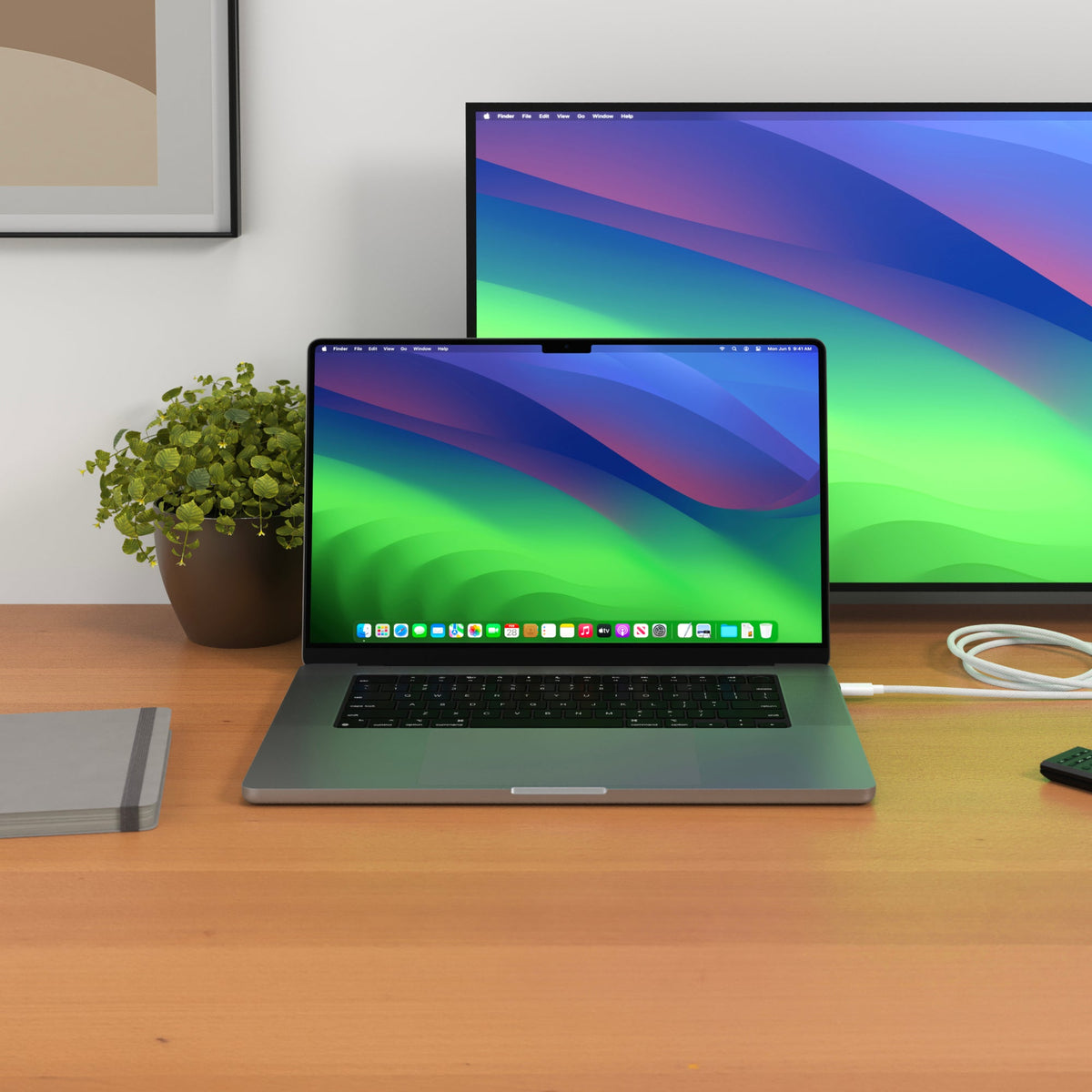
Just got a new MacBook through Apple Upgrade, or thinking about it? This guide breaks down how the leasing program works and covers the accessories worth adding to get the most out of your setup from day one.
How Apple Upgrade Works for MacBook
Apple Upgrade is a leasing program that lets you get a new Mac with lower monthly payments instead of paying the full purchase price upfront. You lease the device for an available term, make monthly payments, and decide what to do when your lease ends.
Depending on the Mac you choose, lease terms may be available for up to 36 months, with monthly payments starting at $24.99.
At the end of your lease, you can upgrade to a newer model, make the final payment to keep your Mac, or return it. No matter which option you choose, protecting and enhancing your MacBook from day one helps you get the most from your investment.
Protect Your New MacBook
Your MacBook is an investment, so protection comes first. A few smart accessories keep it safe from theft, prying eyes, and everyday wear.
Lock It Down
If you work in shared spaces like co-working spaces or cafés, physical security matters. The HyperShield MacBook Pro Cable Lock anchors your laptop to a fixed point, so you can step away without worry. It is a simple fix for a common problem, and it gives you peace of mind in public settings.

Guard Your Screen
Sensitive work deserves privacy. The HyperShield Magnetic Privacy Screen for MacBook Air and MacBook Pro narrows the viewing angle, so people beside you cannot read your display. It attaches with magnets, so you can add or remove it in seconds. This is ideal for flights, coworking desks, and busy commutes.

Carry It Safely
Getting from place to place is easier with the right bag. The HyperPack offers organized storage for your MacBook, tablet, and cables. Thoughtful pockets keep everything sorted, and the durable build handles long days on the move. It is built for professionals and creators who need their gear ready at all times.

Charge Faster
A slow charger holds you back. To keep your MacBook running through long work sessions, you want fast, reliable power.
The HyperJuice 145W USB-C GaN Travel Charger with 4 Ports delivers plenty of power for your MacBook and more. With four ports, you can charge your laptop, phone, and other devices at the same time. It is safety tested, so you get fast charging without cutting corners.

Here's what to do next: match your charger's wattage to your MacBook so you get full charging speeds every time.
Charge in Color (Coming Soon)
Power gear does not have to be plain. A new lineup of colorful charging accessories is on the way, and it brings both function and style to your daily kit.
The HyperJuice Flex Mini 35W Power Bank & AC Charger is a 2-in-1 power solution that combines a 10,000mAh battery with a built-in AC plug. Use it as a wall charger at home, then take it with you as a power bank on the go. Pair it with the HyperJuice Flex USB-C Silicone Charging Cable for a soft, tangle-free cable that is easy to pack. Together, they keep you charged and organized wherever the day takes you. Watch for these to land soon.

Expand Storage & Edit Directly from SSD
MacBook storage fills up fast, especially with large project files, photos, and video. External storage solves that, and it can do more than just hold files.
The HyperDrive Next USB4 M.2 PCIe Enclosure turns an M.2 SSD into fast, portable storage. Speeds are quick enough to run apps and edit projects straight from the drive, so you do not need to move files back and forth. Setup is simple, and the compact size fits in any bag.

For example, if you edit video, you can keep your active project on the enclosure and free up space on your MacBook. That keeps your internal drive light and your workflow smooth.
Stay Productive Anywhere
Modern MacBooks are powerful, but ports are limited. A good dock or hub connects your monitors, drives, and accessories through a single cable. Here are three options for different setups.
Maximum Speed with Thunderbolt 5
The HyperDrive Next Thunderbolt 5 Dock is built for demanding work. It handles up to three 4K displays, fast data transfer with up to 120Gbps of bandwidth, and multiple accessories at once. If you run a full desktop setup, this dock keeps everything connected through one port.

Everyday Connectivity
The HyperDrive Next 11-Port USB-C Hub adds the ports most people use daily. Connect a display, plug in drives, and power your MacBook, all from one compact hub. It is a reliable choice for home offices and hybrid workdays.

Gear Up Your New MacBook
Whether you leased your Mac through Apple Upgrade or bought it outright, the right accessories make it more useful from day one.
Start with the essentials that fit your routine, then build out your setup over time. Explore the full range of Hyper power and connectivity gear, and get your new MacBook ready for whatever comes next.


Hyper Launches 200W Airline-Compliant Power Bank Built for High-Performance Charging on the Go
Leased an iPad with Apple Upgrade? Turn It Into a Powerful Workstation
Share: