

Yes, you can generally take a power bank on a plane, but it must travel in your carry-on baggage, never in checked luggage. Under updated international aviation guidance, passengers are limited to two power banks, and power banks must not be recharged during a flight. Power banks rated up to 100 watt-hours (Wh) are generally permitted in the cabin. Always check the current rules for your airline and route.
Flying With a Power Bank? Here's What to Know
- Pack power banks in your carry-on, not checked luggage.
- Check the watt-hour (Wh) rating printed on the power bank, not just its mAh rating.
- Follow the two-power-bank limit and do not recharge a power bank during the flight.
- Keep the power bank accessible, protect its terminals, and check your airline's policy before departure.
Travel puts demand on your devices, and outlets are not always easy to find. A power bank helps when packed and used according to current rules.
In this guide, we explain why watt-hours matter, how carry-on rules work, why the HyperJuice 200W Laptop Power Bank is below the 100Wh threshold, and which cables and chargers can help keep your devices powered while traveling.
Why Do Watt-Hours Matter More Than Milliamp-Hours?
Airline battery limits are expressed in watt-hours (Wh) because Wh reflects the amount of energy stored in a battery. Milliamp-hours (mAh) measure electrical charge but do not account for voltage. Two batteries with the same mAh rating can store different amounts of energy if their voltages differ. Watt-hours combine capacity and voltage into one figure, making them more useful for checking airline limits.
How Do You Convert mAh to Wh?
Use this formula:
Wh = (mAh × Voltage) ÷ 1,000
Many power banks list capacity based on lithium-ion cells with a nominal voltage of 3.7V. For example:
- 10,000mAh × 3.7V ÷ 1,000 = 37Wh
- 20,000mAh × 3.7V ÷ 1,000 = 74Wh
- 24,000mAh × 3.7V ÷ 1,000 = 88.8Wh
- 27,000mAh × 3.7V ÷ 1,000 = 99.9Wh
Check the Wh rating printed on the power bank itself. Security staff may need to verify it. If the label is missing or unreadable, the device may be refused, so avoid travelling with a power bank whose capacity cannot be established.
What Is the Difference Between Carry-On and Checked Luggage Rules?
Power banks must be carried in the cabin and are not allowed in checked baggage. This also applies if your carry-on bag is taken at the gate to be placed in the aircraft hold. Remove the power bank before handing over the bag and keep it with you in the cabin.
Lithium-ion batteries can overheat or catch fire in rare cases, so keeping them in the cabin allows crew to respond more quickly.
Carry-on luggage
Power banks up to 100Wh are generally permitted in carry-on baggage, subject to applicable rules and the updated two-power-bank limit. Do not assume a power bank over 100Wh is allowed. Some general battery rules may permit certain batteries up to 160Wh with airline approval, but power-bank-specific rules can be stricter, and some airlines may prohibit them. Power banks over 160Wh are not permitted in standard passenger baggage. Rules for other spare batteries may differ.
Keep the power bank accessible and follow airline instructions about where it may be stored. Protect its terminals from contact with metal objects such as keys or coins to reduce the risk of a short circuit.
Checked luggage
Do not pack power banks or spare lithium batteries in checked luggage. If your cabin bag is gate-checked, remove the power bank first. Do not travel with a damaged, swollen, defective, or recalled power bank.
For easier security checks:
- Keep the power bank easy to reach in case staff need to inspect its label.
- Use a protective pouch or keep it in its original packaging when possible.
- If a battery becomes unusually hot, swells, smokes, or appears damaged, do not use it. At the airport or onboard, alert airline staff.
Are HyperJuice Power Banks Under the 100Wh Airline Limit?
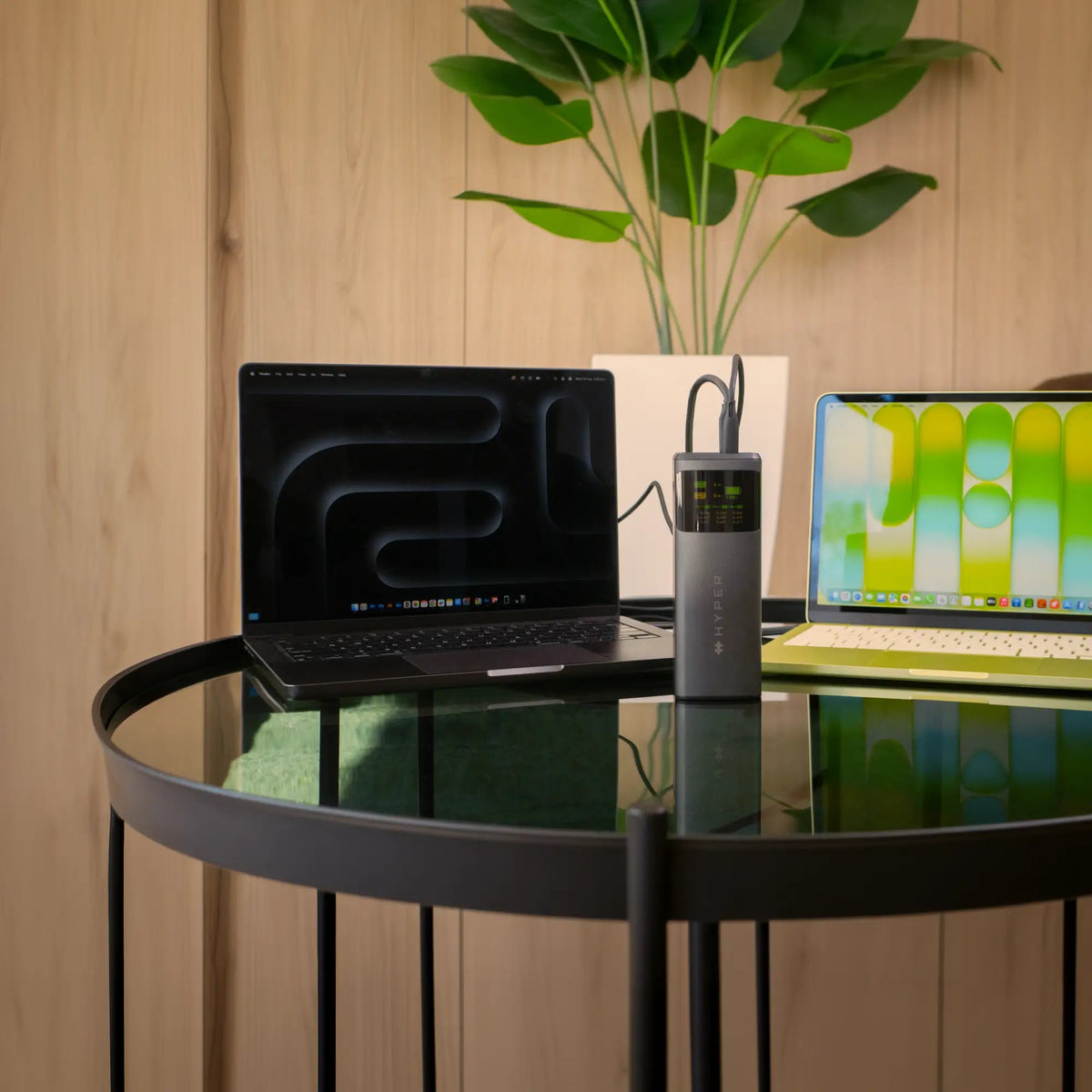
The HyperJuice 200W Laptop Power Bank has a 24,000mAh battery rated at 88.8Wh. That is below the 100Wh capacity threshold used in international passenger guidance, making its capacity suitable for carry-on travel under that guidance.
For travelers who need to charge a laptop, the HyperJuice 200W Laptop Power Bank combines a high-capacity battery with USB-C output for compatible laptops. Its capacity does not override other rules. The two-power-bank limit, the ban on recharging power banks during flights, and any stricter airline policies still apply.
HyperJuice 200W Laptop Power Bank Specs
| Feature | Specification |
|---|---|
| Model | HyperJuice 200W Laptop Power Bank |
| Capacity | 24,000mAh (88.8Wh) |
| Total output | Up to 200W |
| USB-C ports | 2, up to 140W per port |
| USB-A port | 1, up to 18W |
| Recharge input | Up to 100W via USB-C |
| Display | LCD showing input, output, and battery level |
| Compatibility | USB-C devices; PD 3.1, PPS, and QC |
| Dimensions | 2.2 × 2.2 × 6.26 in (56 × 56 × 159 mm) |
| Weight | 950 g (2.1 lbs) |
| Safety testing | 115+ independent tests, according to the manufacturer |
| Price | $129.99 |
The power bank includes protection against over-current, over-voltage, overheating, and short circuits, and has a fire-retardant rating meeting UL requirements.
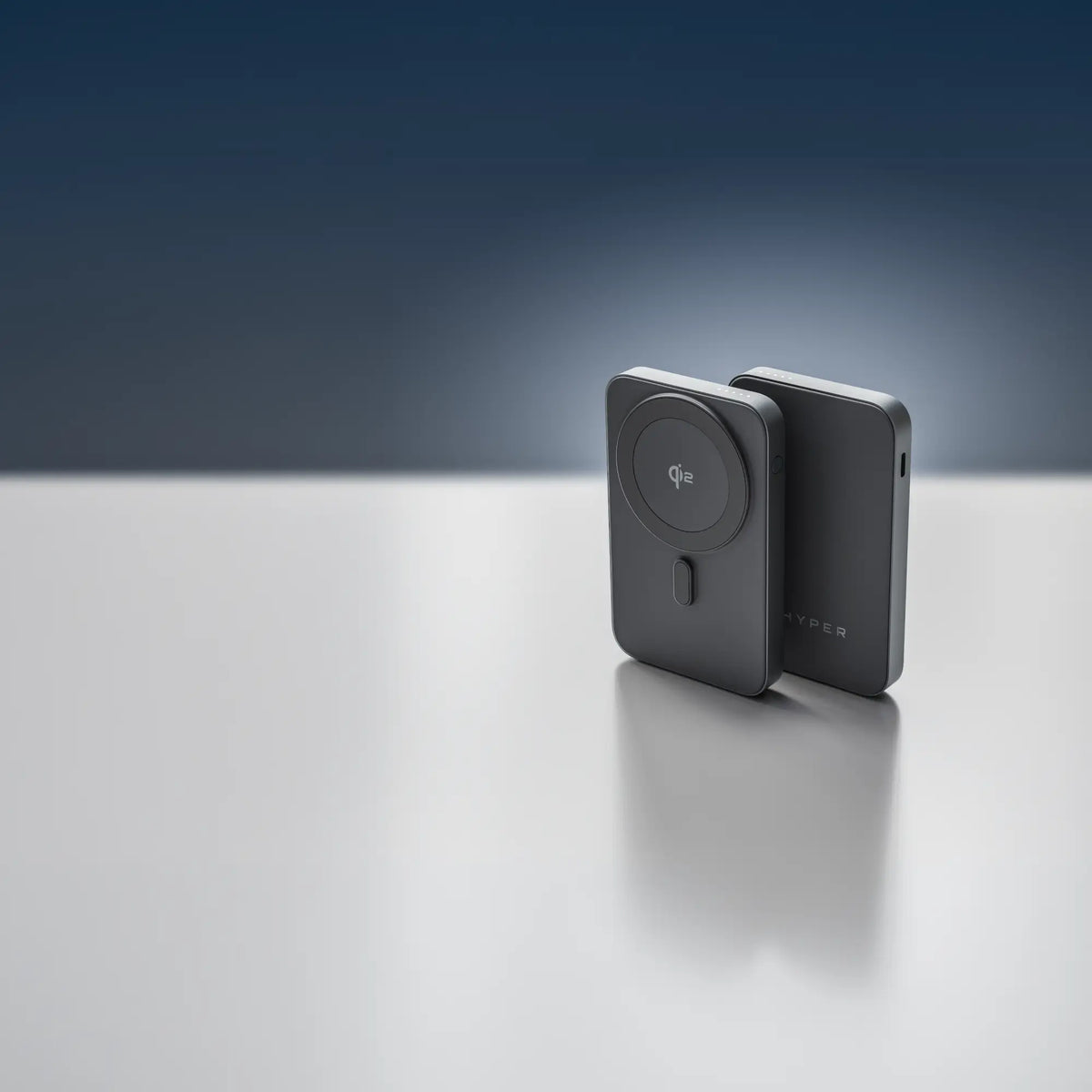
The HyperJuice Flex Mini 35W Power Bank is a 2-in-1 option that combines a 10,000mAh (36Wh) portable battery with a built-in wall charger. It features dual USB-C ports, up to 35W output, and a compact build designed for everyday carry. You can also consider the HyperJuice Next 5K Qi2 Solid-State Power Bank. It offers a 5,000mAh (18Wh) capacity, Qi2 and MagSafe compatibility, durable semi-solid-state construction, and USB-C PD support.
These power banks fall well below the 100Wh limit commonly allowed for carry-on batteries.
How Can You Use a Power Bank While Traveling?
A high-output power bank helps keep devices charged when outlets are limited. The HyperJuice 200W Laptop Power Bank has two USB-C ports and one USB-A port, and can charge up to three devices at once. Output depends on connected devices and how power is shared across ports.
At the airport
Gate outlets may be occupied or unavailable. The HyperJuice 200W Laptop Power Bank offers up to 200W total output for compatible devices. Follow airport and airline instructions.
On the plane
Power banks must remain in the cabin and must not be recharged from the aircraft's power supply during a flight under updated international guidance. Guidance also recommends against using power banks to recharge portable electronic devices onboard. Airlines may impose stricter restrictions, including bans on using a power bank to charge devices or requirements about where it must be kept. Check the airline's policy before boarding and follow crew instructions.
On trains and in hotels
Trains may have few outlets, and hotel outlets may be far from the desk or bed. A power bank lets you charge devices where needed. Rail rules differ from aviation rules, so check the operator's guidance and recharge the power bank between uses.
While working remotely
Cafés and shared offices may lack convenient outlets. The HyperJuice 200W Laptop Power Bank supports up to 140W from a USB-C port for compatible laptops. Speed depends on the laptop, cable, and other connected devices.
What Cables and Chargers Should You Pack?
Pack compatible USB-C cables and a wall charger. To reach maximum output, the connected device and cable must support the charging mode.
For laptop charging
- To access up to 140W from a compatible USB-C port, use a 240W-rated USB-C cable compatible with USB Power Delivery 3.1.
- Use a laptop that supports the relevant charging standard and wattage. Many laptops draw less than 140W, and the power bank supplies power according to the device's needs.
For phones, tablets, and accessories
- Pack a USB-C to USB-C cable for compatible phones, tablets, and earbuds.
- Bring a USB-A cable for older accessories that use the power bank's USB-A port.
Bring extra compatible cables if you plan to charge several devices at once.
For recharging the power bank
The HyperJuice 200W Laptop Power Bank supports up to 100W input over USB-C. To recharge it at its maximum supported input, use a compatible USB-C wall charger rated for 100W or more and an appropriate cable. A multi-port GaN charger, such as the HyperJuice 145W GaN Travel Charger, may also charge other devices, depending on how its output is shared.
Simple Travel Packing Checklist
- Power bank with a clearly visible Wh rating, packed in carry-on baggage.
- No more than two power banks per passenger, subject to stricter airline rules.
- 240W-rated USB-C cable for compatible high-power laptop charging.
- USB-C cable for your phone or tablet, plus a USB-A cable for older accessories if needed.
- 100W-or-higher USB-C wall charger if you want to recharge the power bank at its maximum supported input.
- Travel adapter for international outlets and a protective pouch to keep the power bank and cables organized.
Should You Still Check Your Airline's Rules?
Yes. Check your airline's current power bank policy before flying. Airlines and national authorities can add restrictions, and policies may change.
Depending on your route and airline, rules may limit the number or capacity of power banks, prohibit using them to charge devices during the flight, or require them to be kept with you or in a specified location instead of an overhead bin. Requirements may also differ across connecting flights or airports.
Before every trip, check the official baggage and dangerous-goods policy for each operating airline, including airlines on connecting flights, as well as relevant aviation-authority guidance for the countries you are flying to or through. Checking before you pack can help you avoid surprises at security or the gate.
Frequently Asked Questions
Can you take a power bank on a plane?
Generally, yes. Power banks must be carried in cabin baggage, not checked luggage. Updated international guidance limits passengers to two power banks, and the capacity must meet applicable rules. Check your airline's policy before departure.
Can you put a power bank in checked luggage?
No. Power banks and spare lithium batteries must be carried in cabin baggage. If your carry-on is taken at the gate to be placed in the hold, remove the power bank first.
What size power bank can you take on a plane?
Power banks up to 100Wh are generally permitted in carry-on baggage. Do not assume a power bank over 100Wh is allowed. Airline approval and power-bank-specific restrictions may apply to batteries above that threshold, and power banks over 160Wh are not permitted in standard passenger baggage. Confirm the rules with your airline.
Can I use a power bank during a flight?
Rules vary by airline. Updated international guidance prohibits recharging a power bank during the flight and recommends against using one to recharge other devices onboard. Some airlines apply stricter restrictions, so check the policy and follow crew instructions.
Is the HyperJuice 200W Laptop Power Bank allowed on a plane?
Its 88.8Wh rating is below the 100Wh threshold generally used for carry-on power banks. However, permission also depends on the airline's current rules, the limit on the number of power banks, and restrictions on onboard use. Verify the policy for your specific itinerary before travelling.

What Is a Semi-Solid-State Power Bank?
Share: