Free shipping to the US on orders over $40

Save 30%
HyperDrive Next Thunderbolt 5 Dock - HyperShop.com

HyperDrive Next Thunderbolt 5 Dock

Sale price$279.99Regular price $399.99
Save 30%
HyperDrive Thunderbolt 4 Docking Station (2 Downstream Ports) - HyperShop.com
Vendor:HyperDrive

HyperDrive Thunderbolt 4 Docking Station (2 Downstream Ports)

Sale price$244.99Regular price $349.99
Save 30%
HyperDrive Thunderbolt 4 Power Hub with Integrated GaN Power Source - HyperShop.com

FAQs

What’s the difference between a Thunderbolt hub and a Thunderbolt dock?

A Thunderbolt hub expands port count—great for drives and small setups—but a Thunderbolt dock is powered and supports multiple monitors, Ethernet, USB-A, SD, and charging. Docks deliver workstation-level connectivity. 

Are HyperDrive Thunderbolt docks compatible with Mac and PC?

Yes. Thunderbolt is platform-neutral, so our docks work plug-and-play with MacBook, Windows laptops, and any device with a Thunderbolt or USB-C port supporting Thunderbolt protocols.

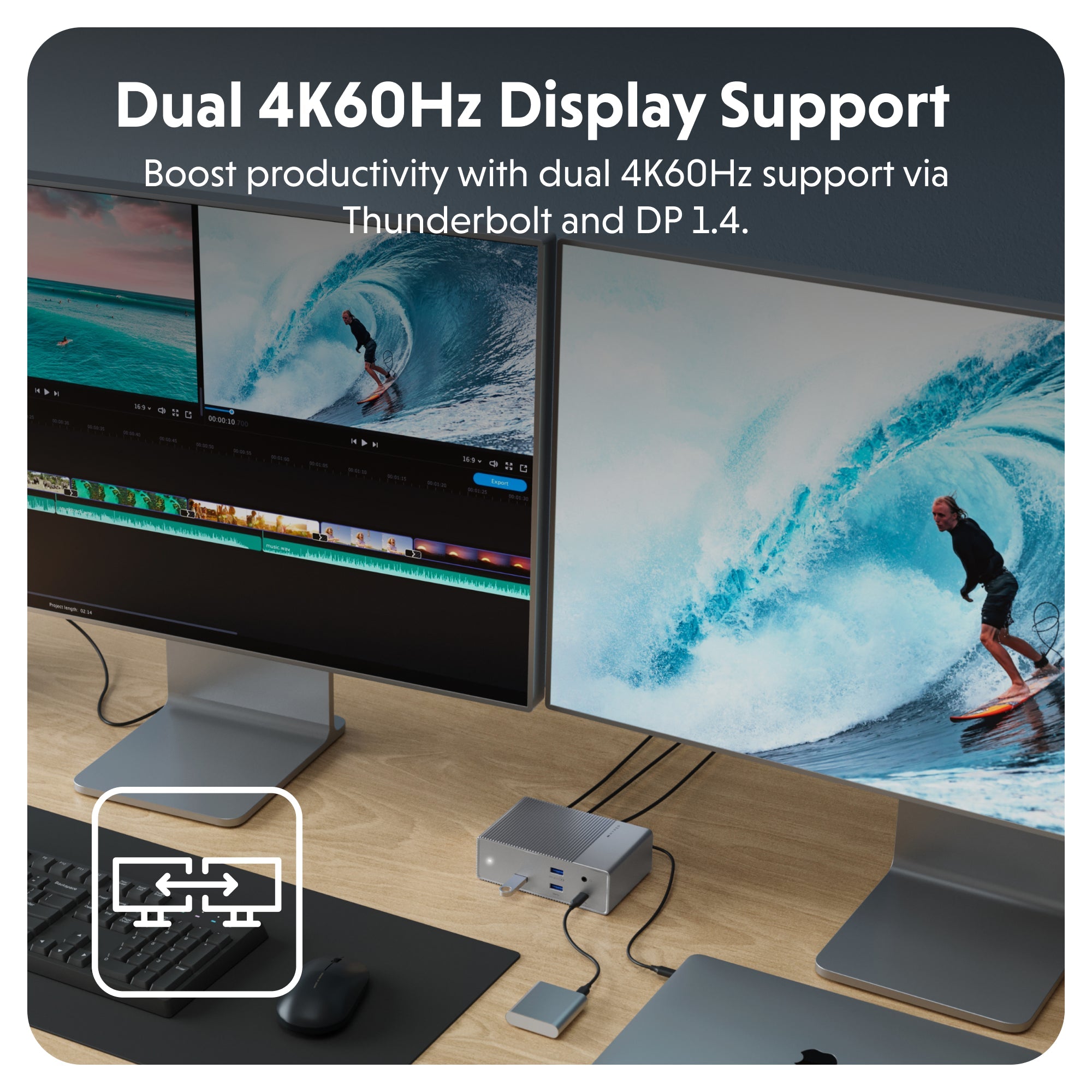
Do Thunderbolt docks support dual 4K monitors?

Absolutely. Thunderbolt 4 and 5 docks support dual 4K@60Hz (or even a single 8K) monitors, thanks to their 40 Gbps+ bandwidth—perfect for multitasking and creative work.

Can I charge my laptop through the dock?

Yes—most HyperDrive Thunderbolt docks include 90–100W Power Delivery, keeping your laptop fully powered while powering attached accessories.

Do I need Thunderbolt 5 or is Thunderbolt 4 sufficient?

Thunderbolt 4 is ideal for most pro workflows—dual4K, fast storage, and daisychaining. Thunderbolt 5 delivers even more bandwidth (80 Gbps), triple4K or highrefresh displays, and eGPU support—built for future-ready setups.

Who should choose a Thunderbolt dock?

Choose a Thunderbolt dock if you need fast data, dual displays, full device charging, and professional ports. Creators, developers, hybrid workers, and gamers will benefit most from the speed and convenience.