Free shipping to the US on orders over $40

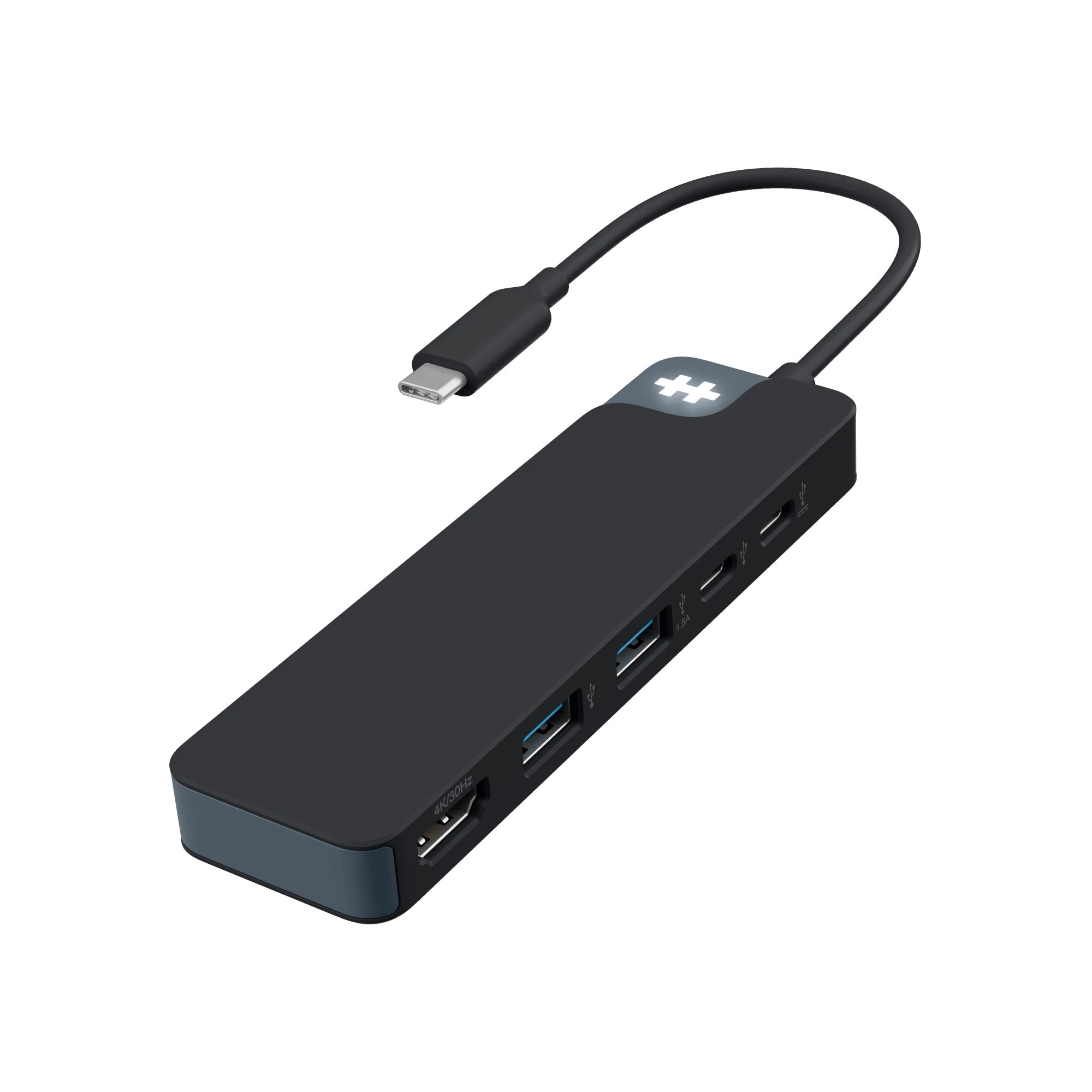
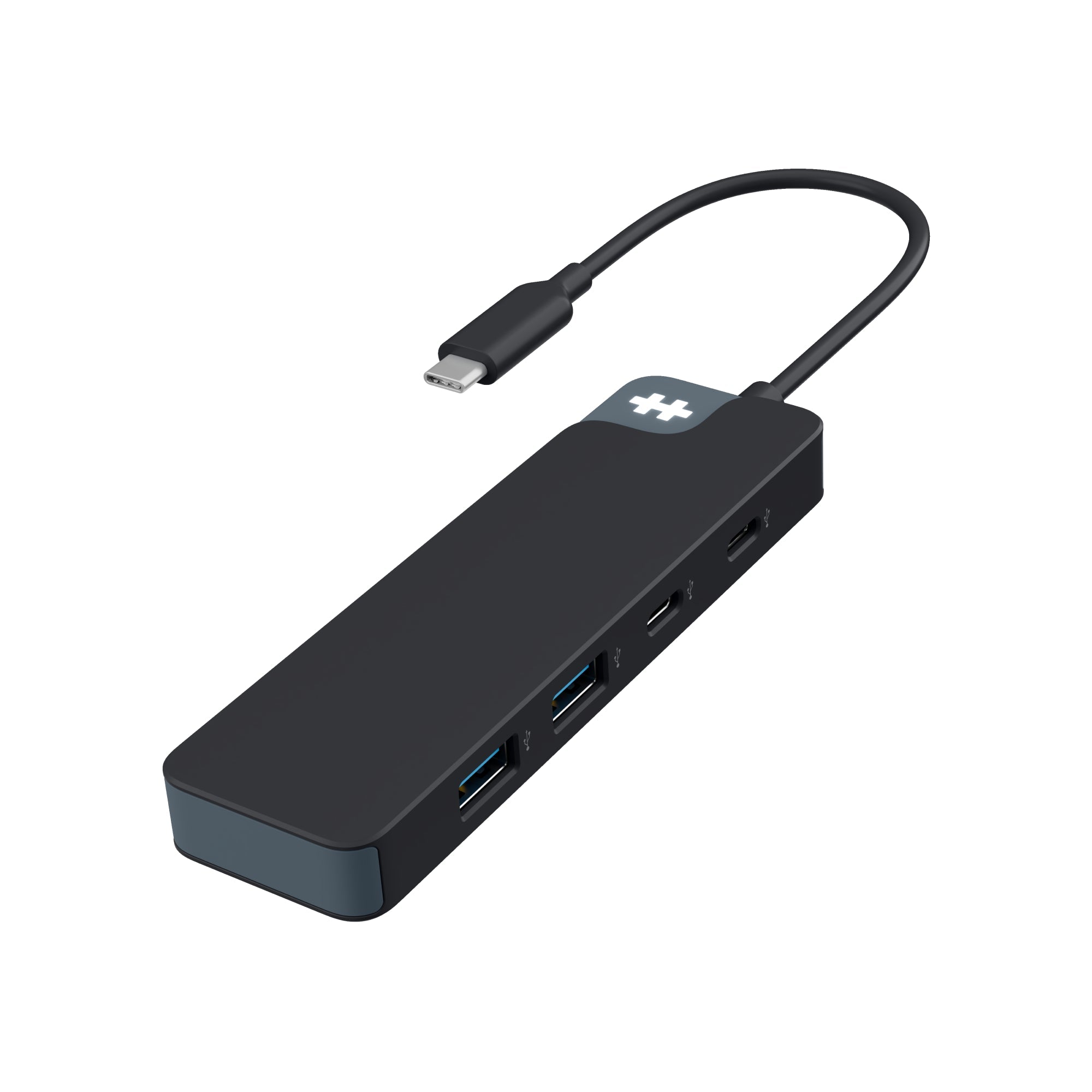
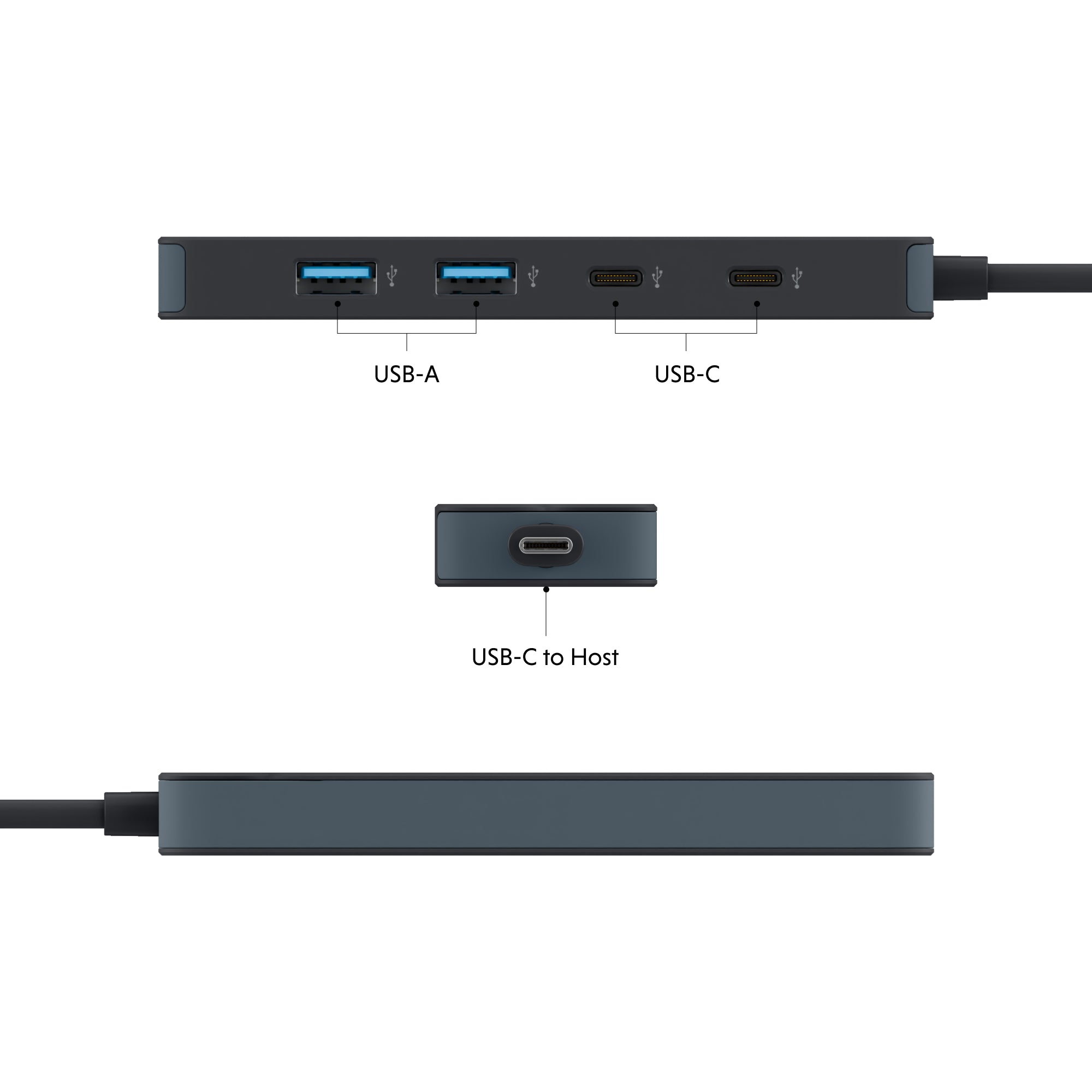
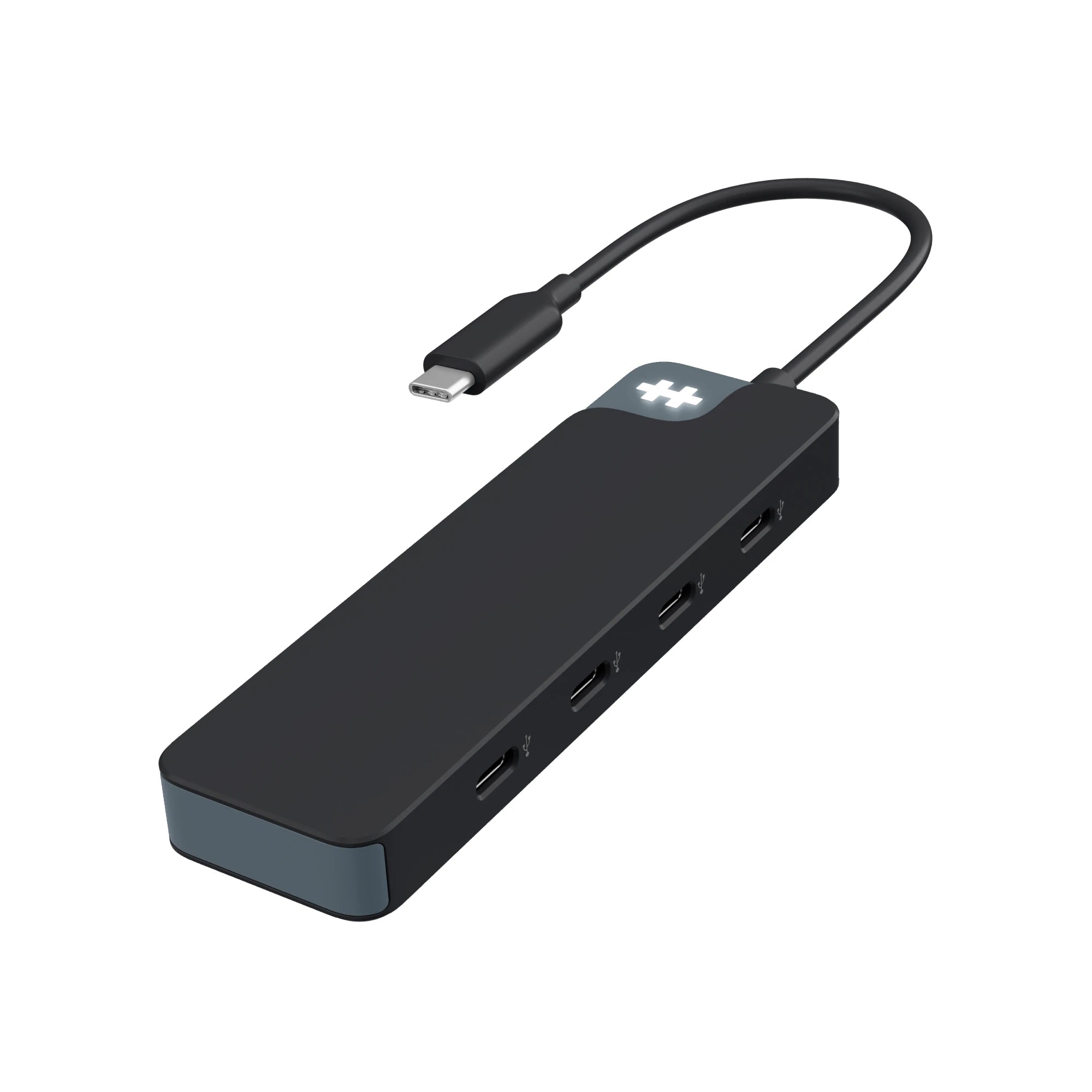
HyperDrive Flex 4 Port USB - C Hub - HyperShop.com
HyperDrive Next 10 Port USB - C Hub - HyperShop.com
HyperDrive Next 8 Port USB - C Hub - HyperShop.com
HyperDrive Next 7 Port USB - C Hub - HyperShop.com
HyperDrive Next 6 Port USB - C Hub - HyperShop.com
HyperDrive Next 4 Port USB - C Hub - HyperShop.com
HyperDrive Media USB - C Hub (6 - in - 1) - HyperShop.com
HyperDrive 5 - Port USB - C Hub - HyperShop.com
HyperDrive 60W USB - C Power Hub - HyperShop.com

Frequently Asked Questions

What devices are Hyper USB-C hubs compatible with?

Hyper USB-C hubs work with most USB-C devices, including MacBook Air/Pro, Windows laptops, Chromebooks, and iPad Pro. Just plug and play—no drivers required.

Can I connect an external display using a USB-C hub?

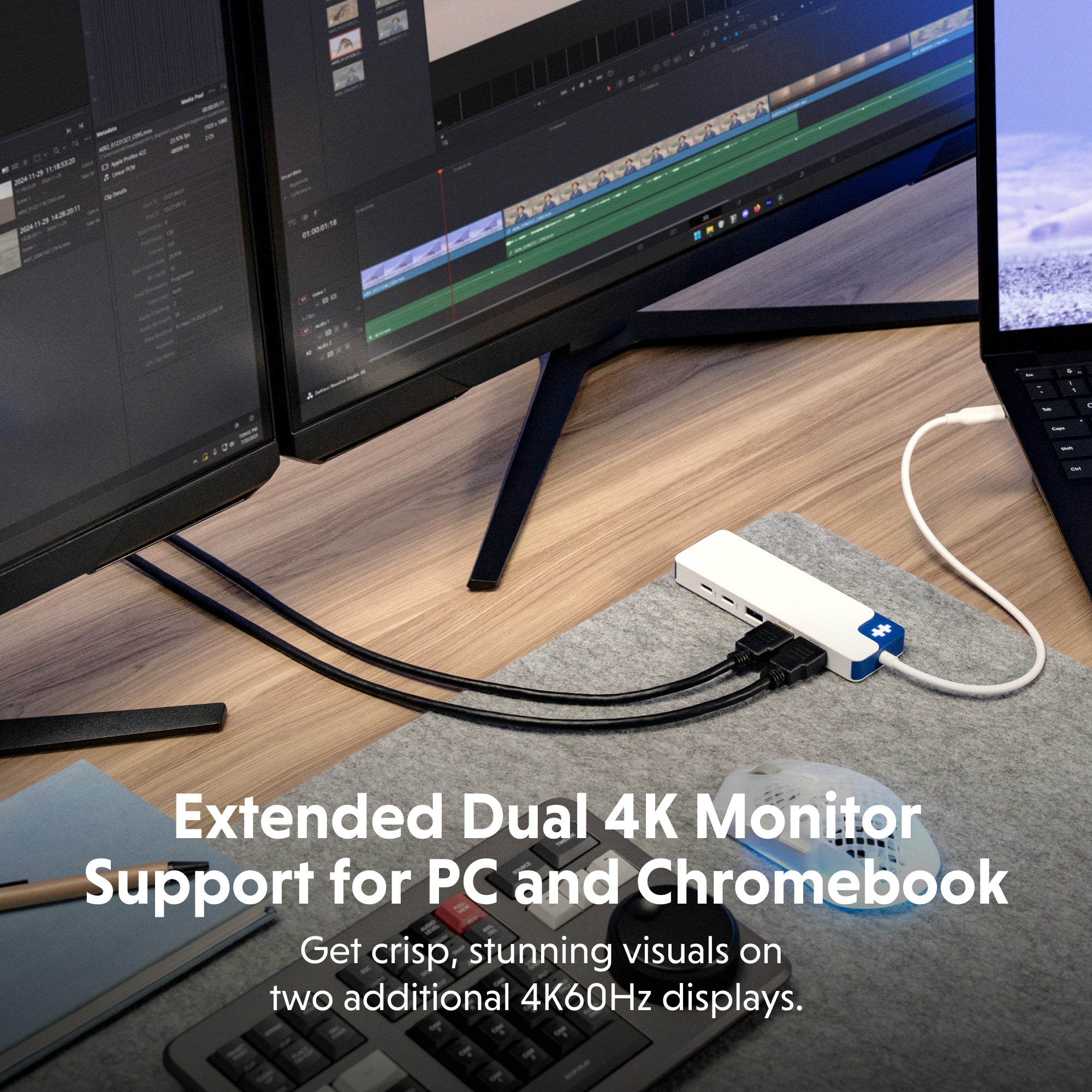
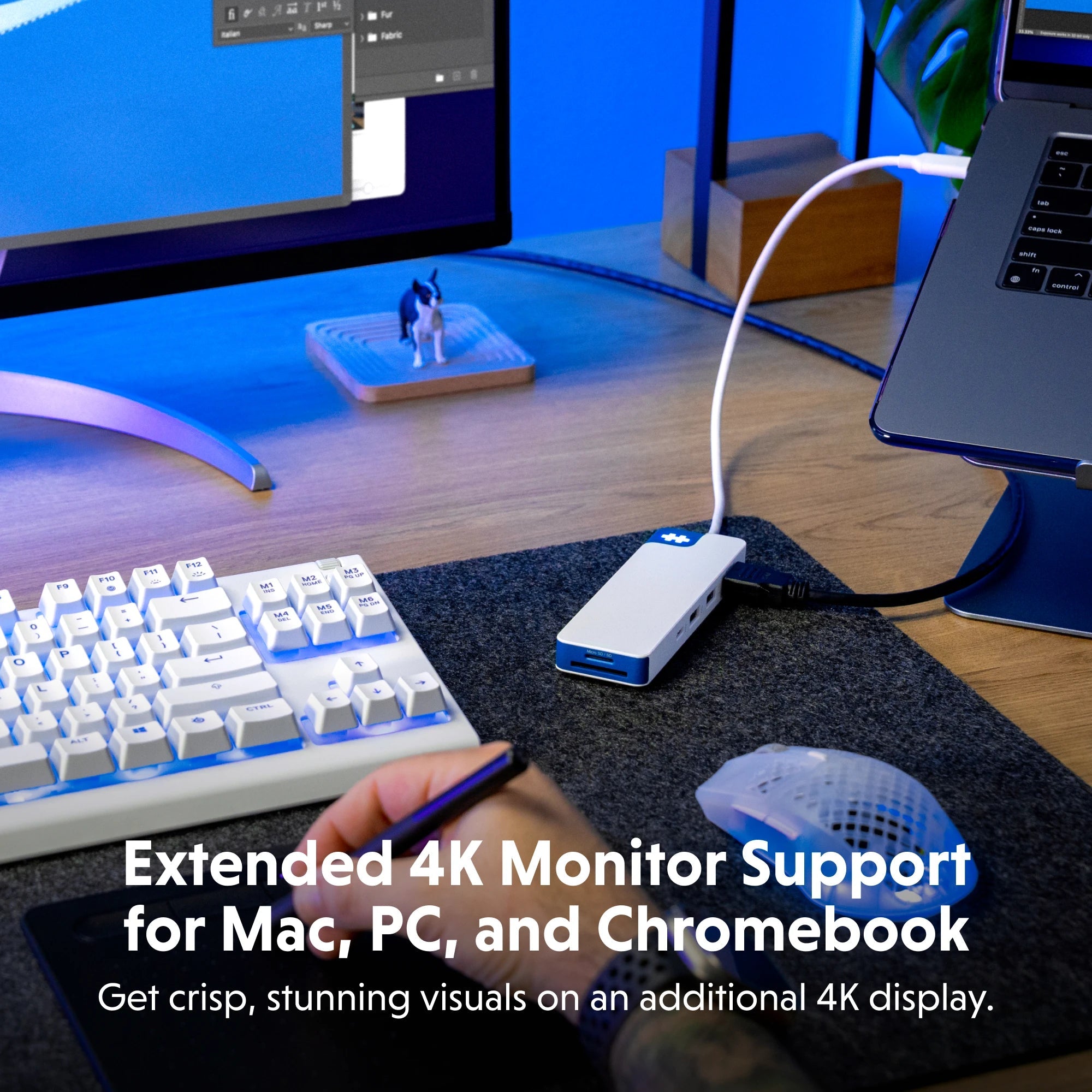
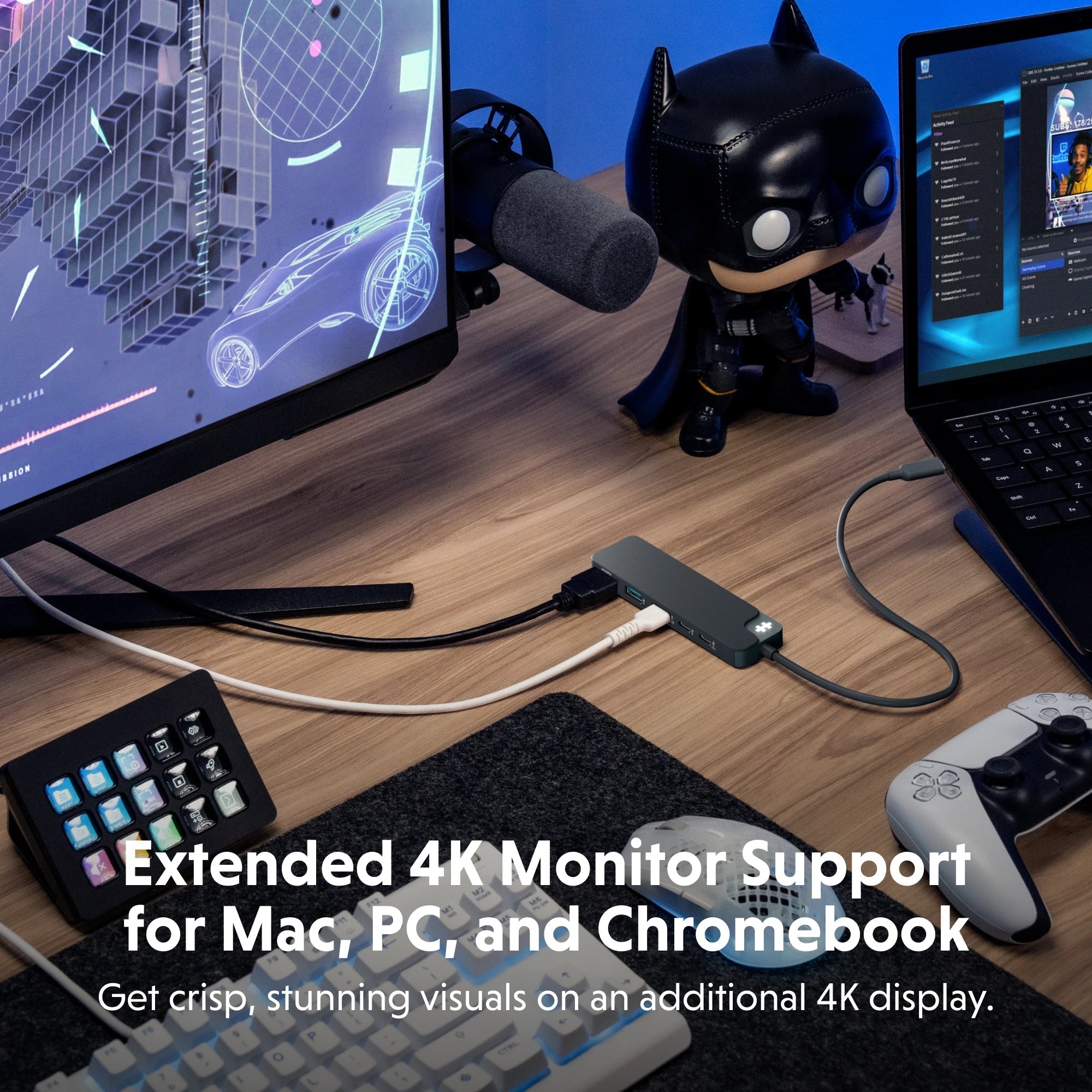
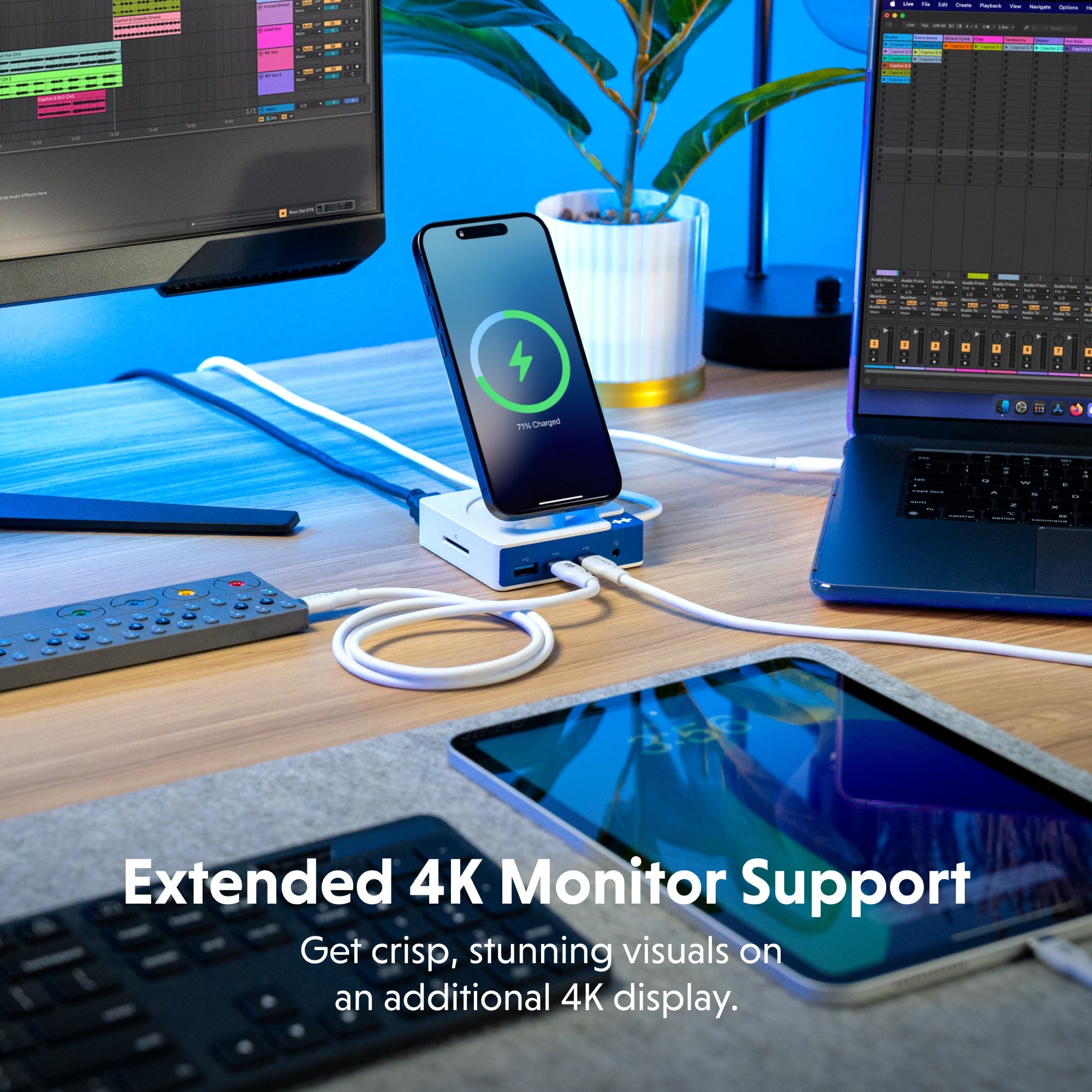
Yes. Many Hyper USB-C hubs include HDMI ports that support 4K video output, perfect for adding an external monitor or projector for presentations, design work, or multitasking.

What makes Hyper USB-C hubs ideal for creatives?

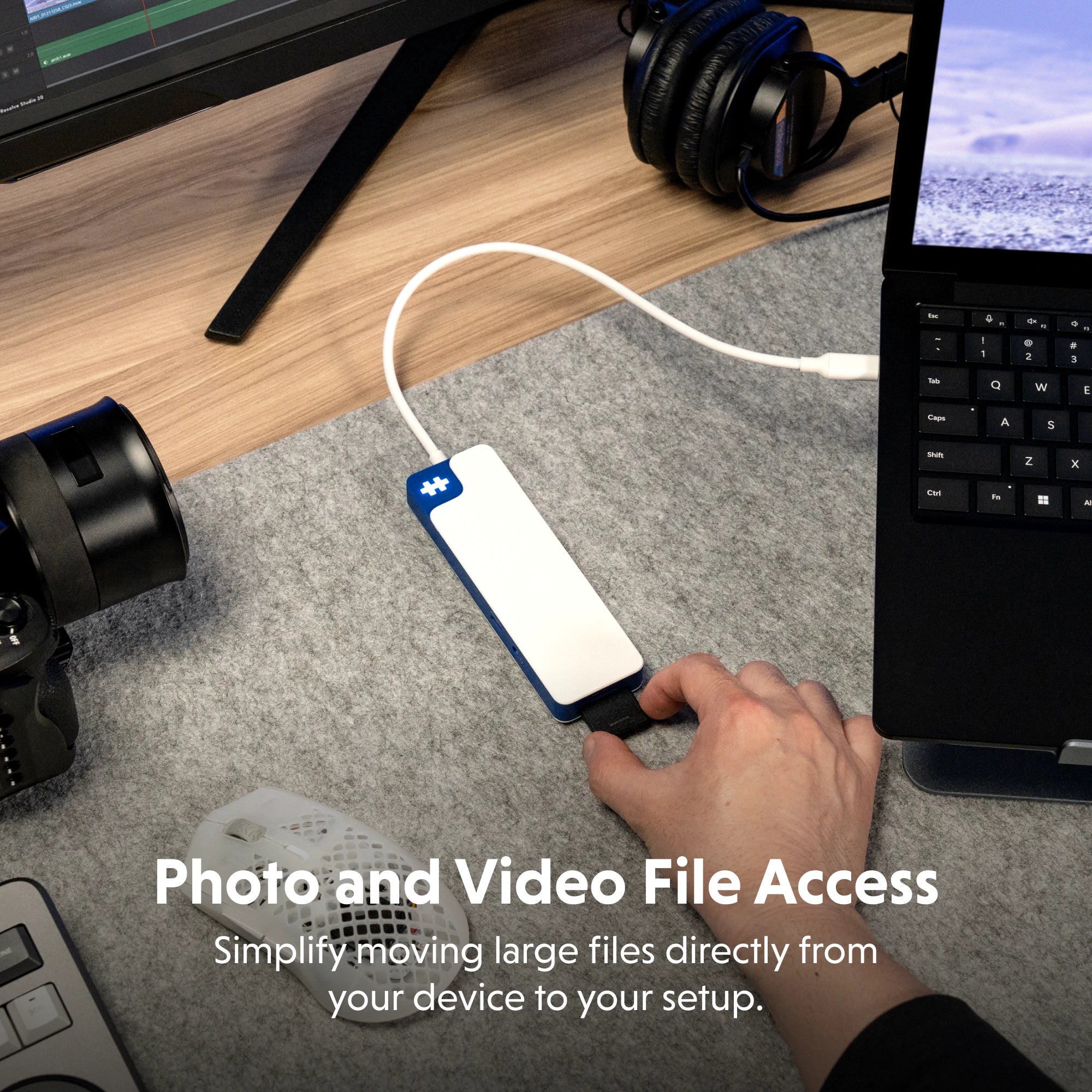
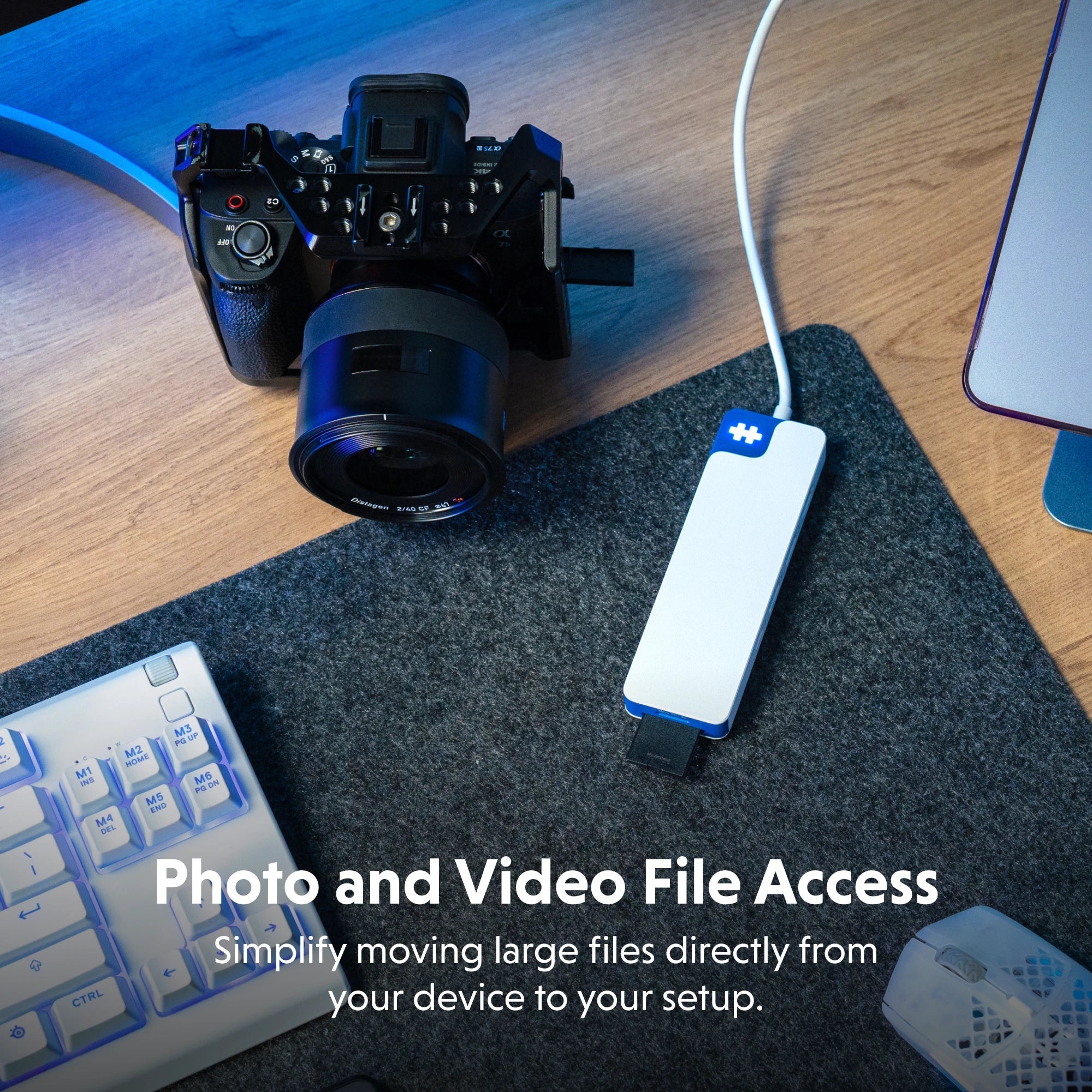
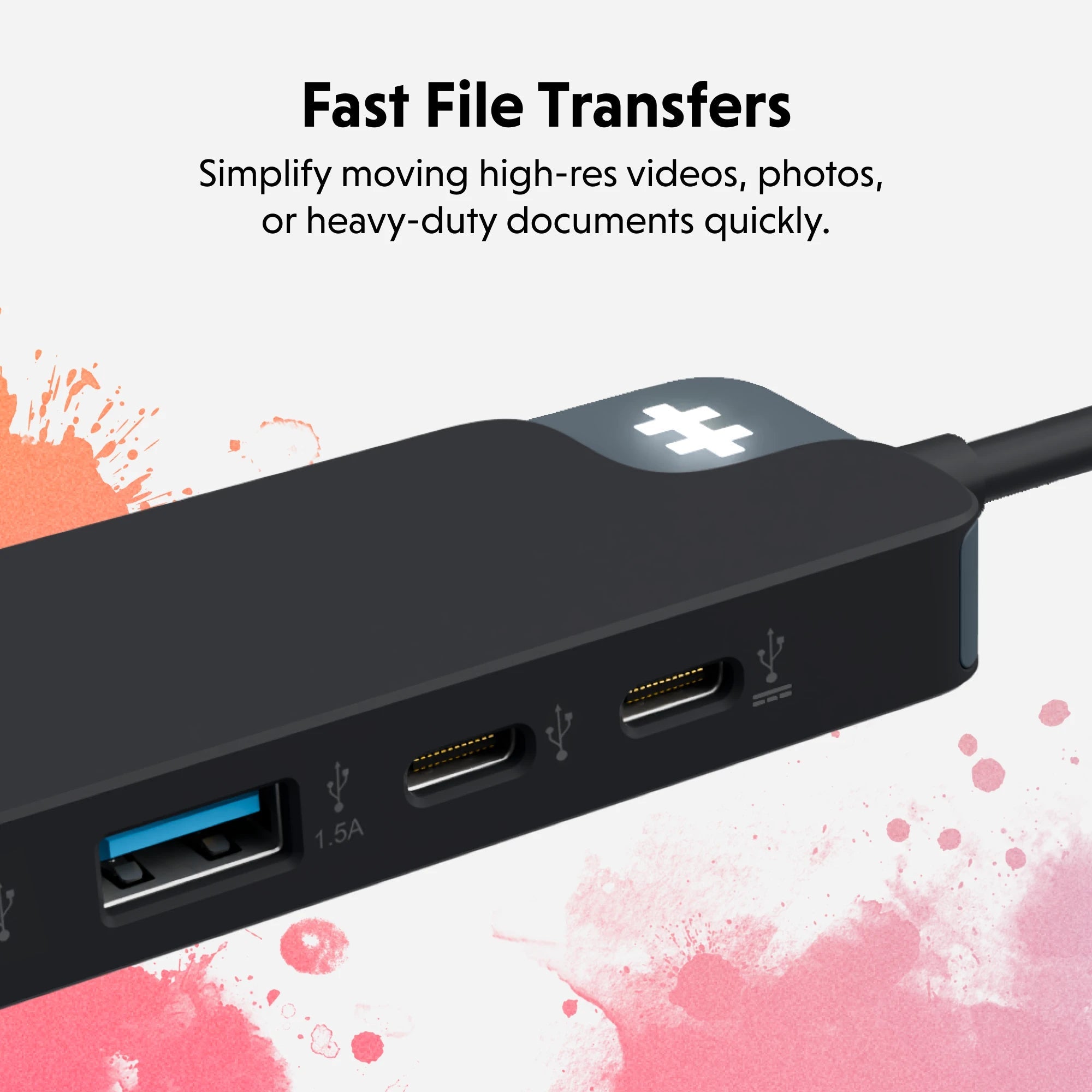
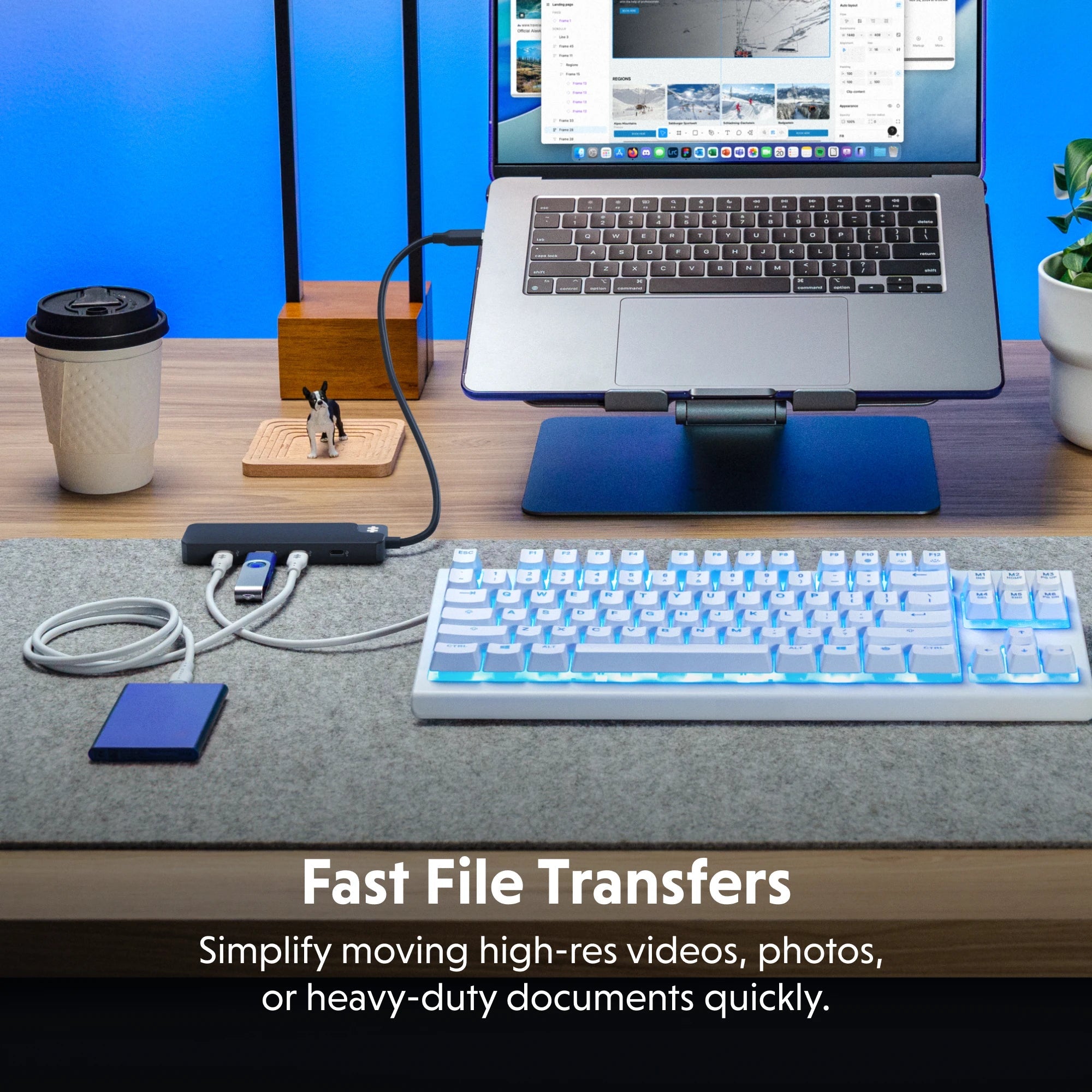
Creatives need fast file transfers and multiple device connections. Hyper hubs include high-speed USB ports, SD/microSD card readers, and 4K HDMI—great for editing, shooting, or designing on the go.

Are USB-C hubs good for students and remote workers?

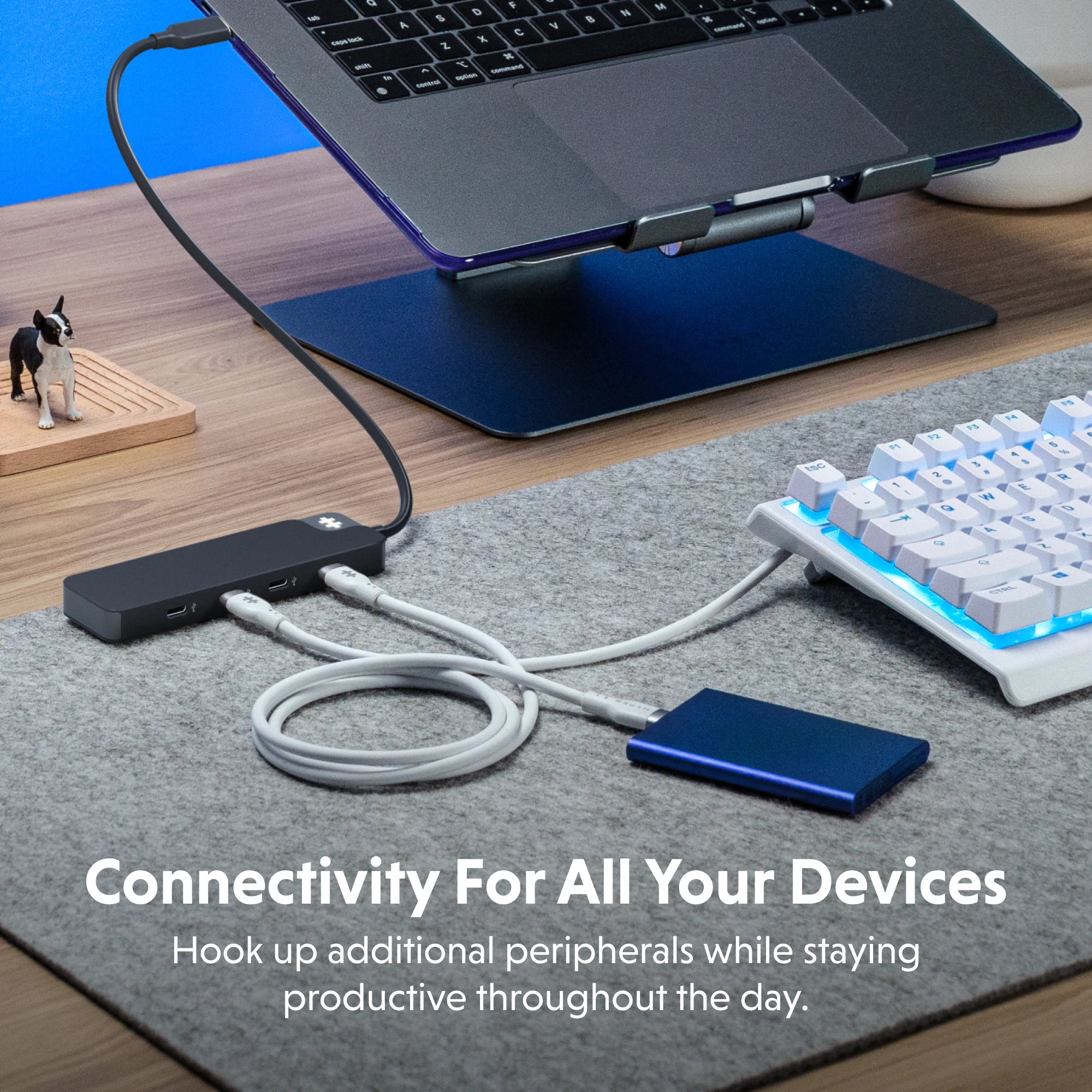
Absolutely. Hyper USB-C hubs help students and professionals connect keyboards, mice, webcams, external drives, and more—making any space a productive setup.

Can I charge my device while using a USB-C hub?

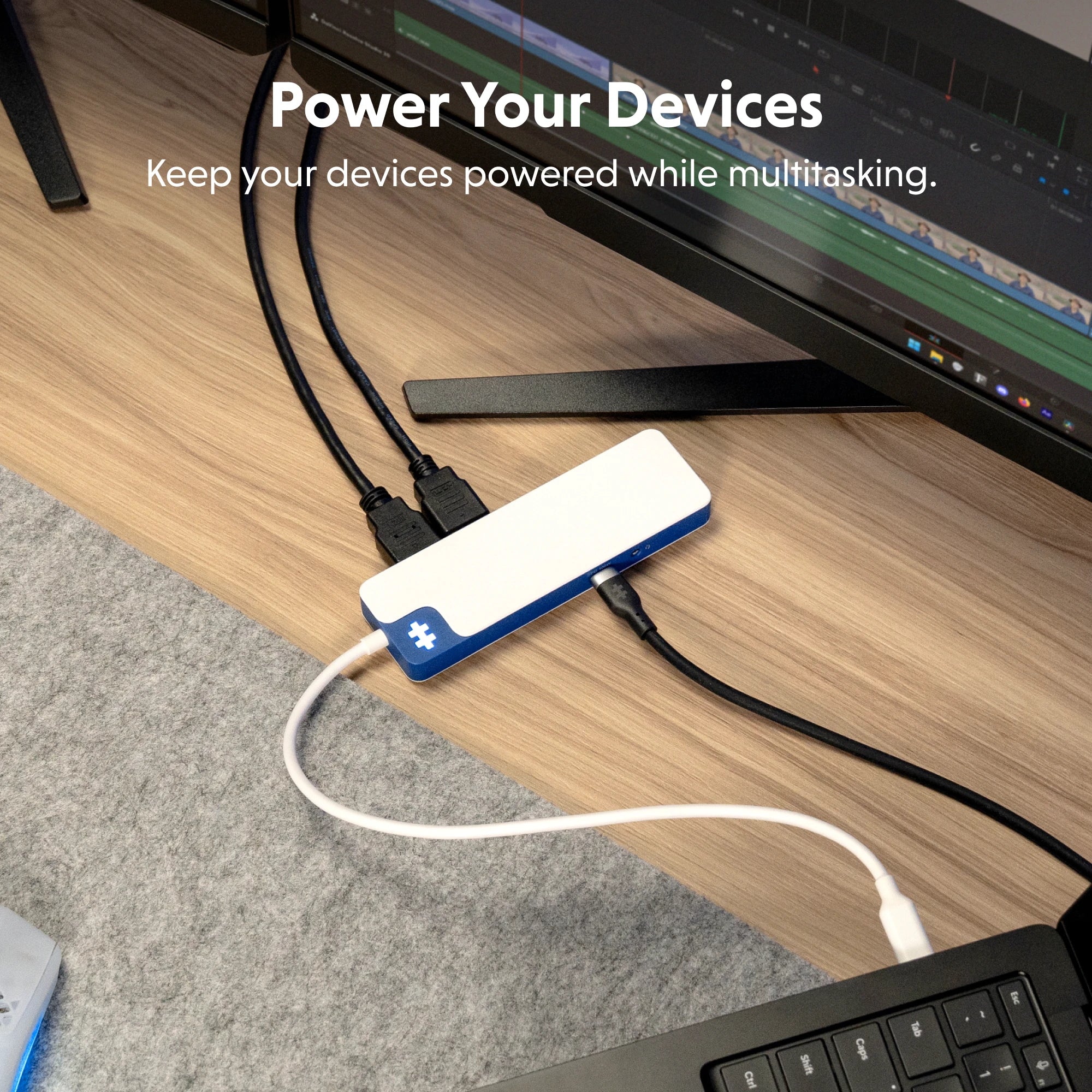
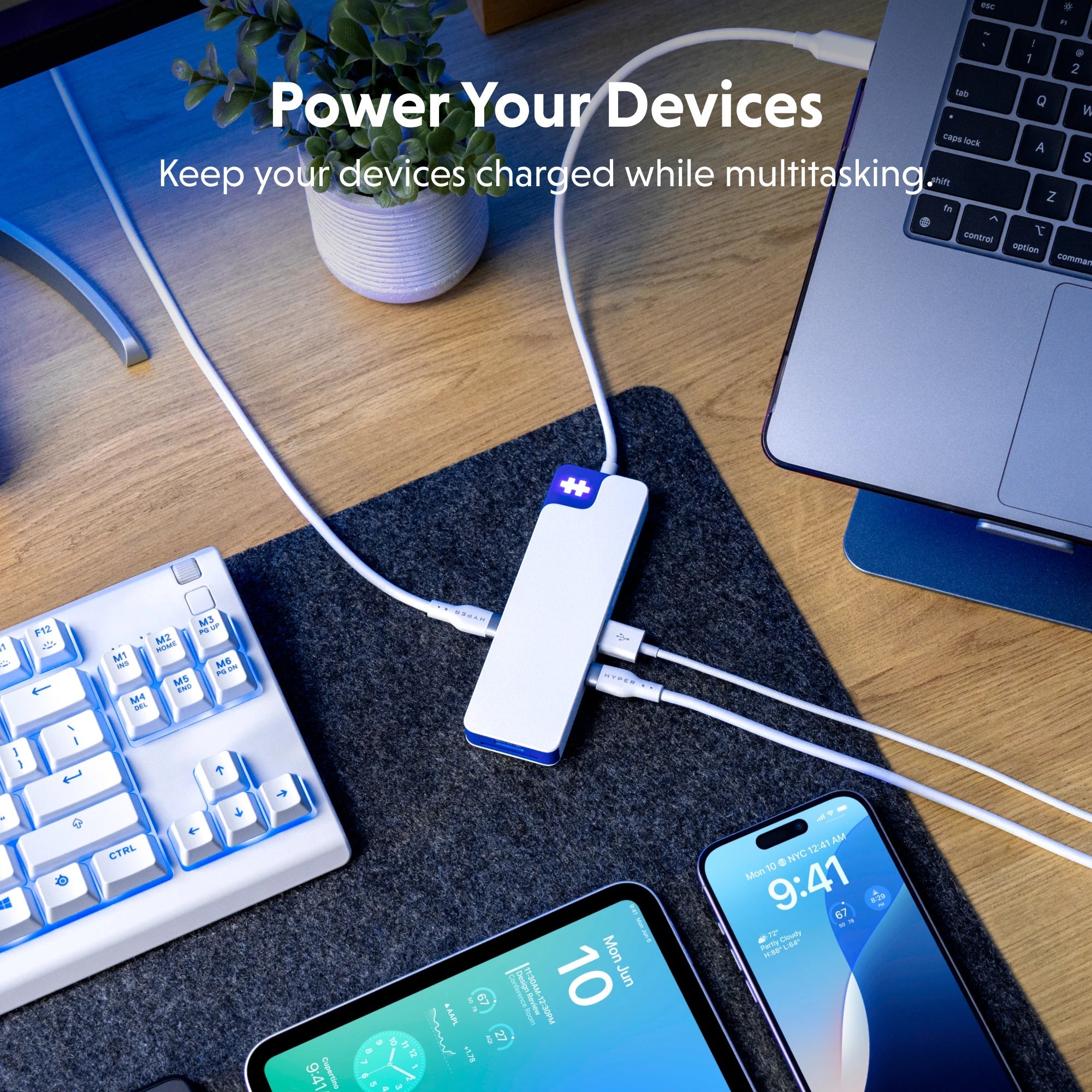
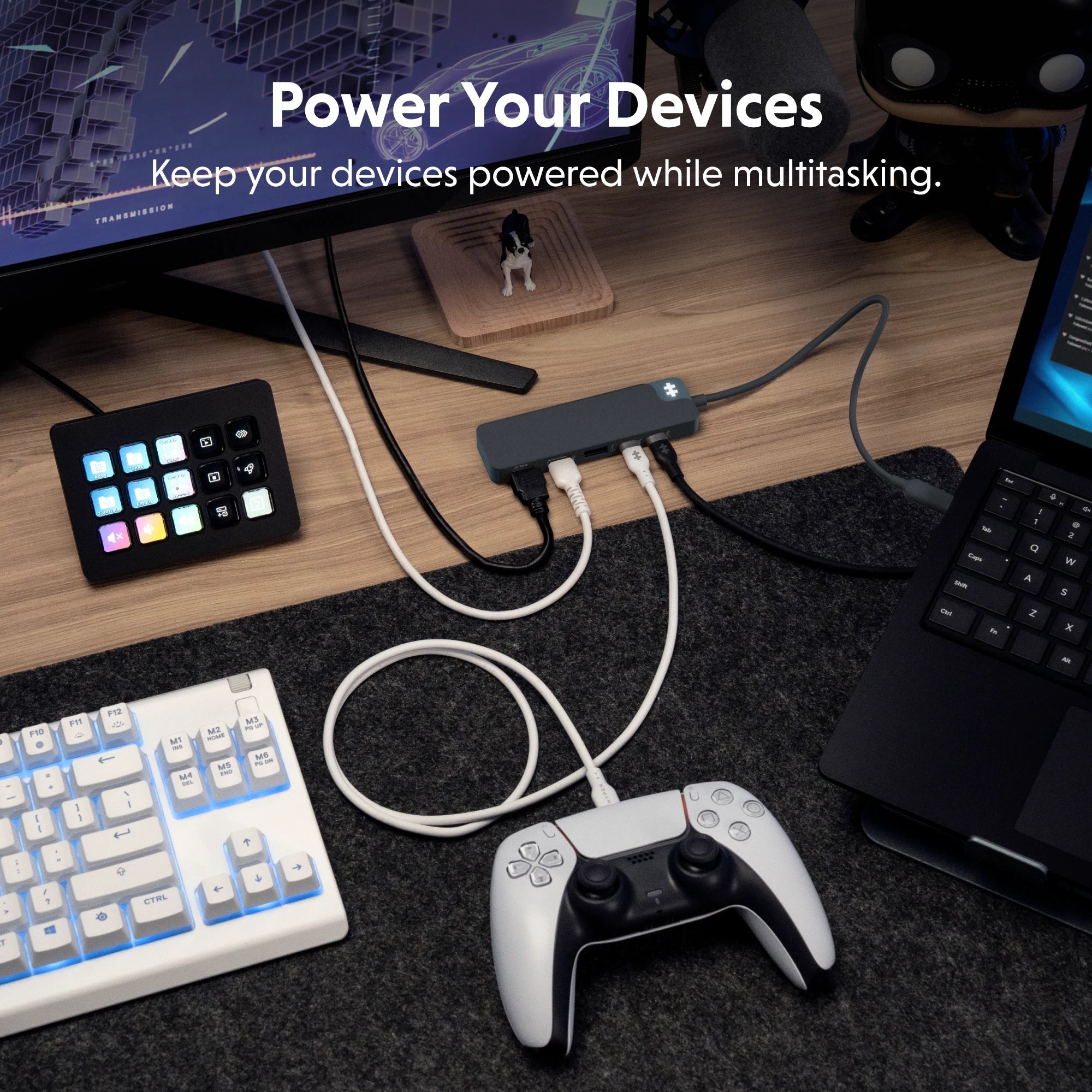
Yes, many Hyper USB-C hubs support pass-through charging (USB-C PD), so you can power your laptop while using other connected devices.

What’s the difference between a USB-C hub and a USB hub?

A USB-C hub connects via a USB-C port and often includes modern ports like HDMI, USB-A, and SD card slots. A regular USB hub usually connects via USB-A and doesn’t offer video or charging support.